
Technology

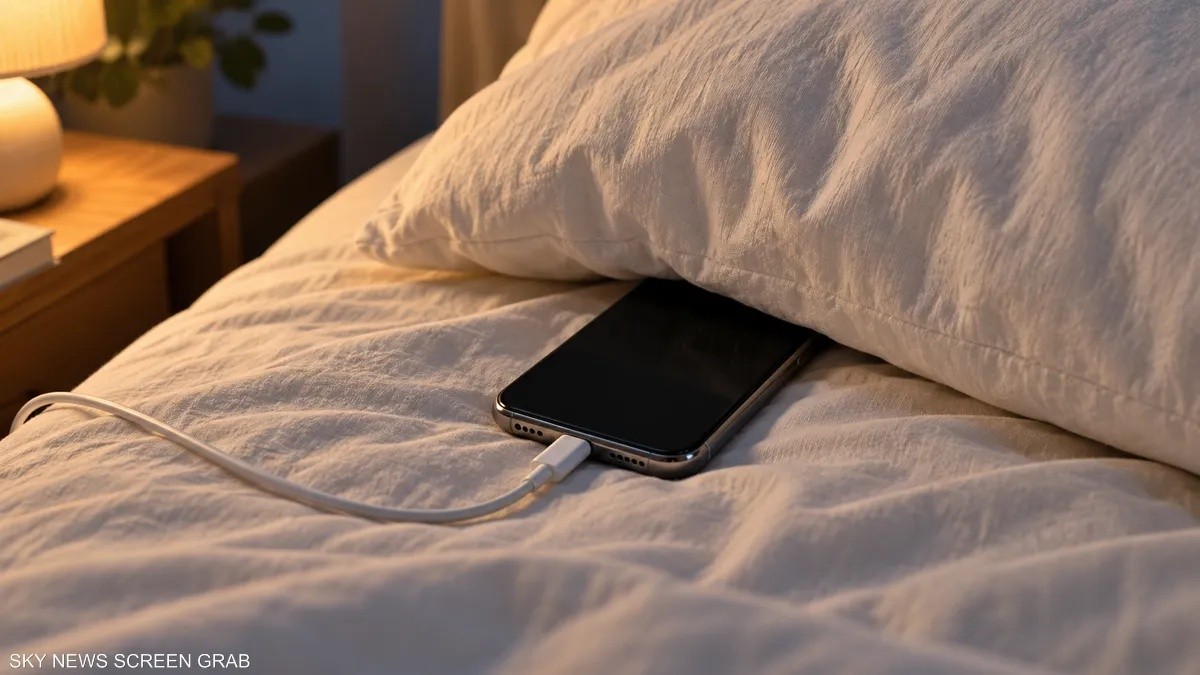
Placing your phone on the charger before sleep and then dozing off with the device slipping under your pillow or between covers is a common scenario, but it involves risks related to the charging location and the duration of device use before sleeping. The issue is not just having the phone beside the bed, but the difference between charging in a well-ventilated area versus being surrounded by pillows and blankets, and continuing to use the screen instead of turning it off in preparation for sleep. Safety guidelines recommend avoiding sleeping on the phone, power adapter, or wireless charger, and not placing them under covers, pillows, or on the body while connected to power. Phones and chargers generate heat during charging and require sufficient ventilation to prevent overheating, which can cause discomfort or injury if the warm device contacts skin for prolonged periods. Therefore, it is advised to keep the phone, power adapter, and wireless charger in an open, well-ventilated place, away from the bed during charging. Regular inspection of charging cables is necessary, as damaged cables or chargers may pose fire or electric shock hazards and should be replaced immediately if any damage is detected. Activating airplane mode does not resolve the heat build-up issue if the phone is placed under covers. Regarding the impact of phone use on sleep, bright light emitted from screens in the evening can disrupt the biological clock and affect melatonin secretion, making it harder to fall asleep. It is recommended to dedicate the hour before sleep to quiet time and avoid exposure to bright screen light, as continuous browsing simply delays the decision to sleep. There is no evidence that placing a phone near the bed causes cancer, according to available health institute information. Therefore, focus should be on preventing heat retention, using intact accessories, and limiting browsing before sleep. Before turning off the lights, it is better to place the phone in a spot away from covers and out of reach, with "Do Not Disturb" mode enabled to reduce interruptions, although this does not replace turning off the screen or choosing a safe charging location.