
Technology

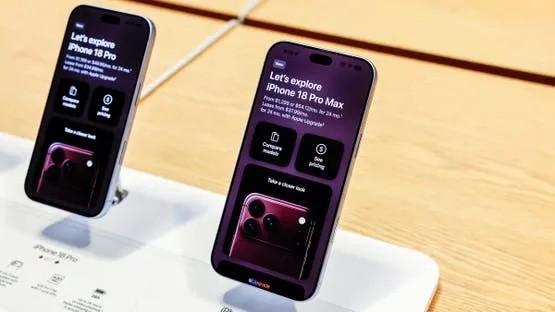
The iPhone 18 Pro Max marks a significant leap in the battery life of iPhone devices, a substantial part of which is attributed to the physically larger battery itself. Alongside this enhancement, Apple has revealed additional charging requirements necessitated by this expanded battery capacity. In a recent support document published by the company on Saturday, Apple stated that the iPhone 18 Pro Max battery stores over 20 watt-hours of energy. The significance of this figure lies within global shipping regulations; specialized technology news reports indicate that most countries and regions impose additional requirements for shipping products containing a single-cell battery with a capacity exceeding 20 watt-hours. To meet these regulatory standards, Apple has implemented an innovative battery firmware solution for the iPhone 18 Pro Max. This solution limits the device's battery power to less than 20 watt-hours from the moment of manufacture until its transportation from the factory. The support document clarifies that upon user activation of the iPhone, this limit is immediately removed, making the battery's full capacity available. Beyond the initial shipping requirements from the factory, these regulations extend to other scenarios that might necessitate shipping, such as sending an iPhone 18 Pro Max for repair, replacement, return, or even when selling or gifting it. To address these situations, Apple has integrated a new feature within the device's settings, aptly named "Prepare to Ship." This feature allows users to safely discharge the phone's battery to bring its power level below 20 watt-hours and sets a charging limit to maintain this threshold. The iPhone 18 Pro Max may require some time to fully discharge before the "Prepare to Ship" process is complete. During this process, a slight increase in the phone's temperature is expected; this is normal, and the temperature will return to its usual levels once the device is ready for shipping. Users can continue to operate their device normally while the battery discharge process is underway. This process may take only a few minutes but could extend up to two hours if the battery was initially fully charged. Upon completion, the "Settings" app will display a "Ready to Ship" alert, accompanied by a red badge. This new feature can be accessed by navigating to "Settings," then "General," followed by "Transfer or Reset iPhone," and finally selecting the "Prepare to Ship" option.